WhatTheFont leads our ranking with a score of 9/10.

- ✓ Upload any image to identify the font used
- ✓ 99%+ identification accuracy for clean samples
- ✓ Results include purchase links from MyFonts
- ✓ Forum community for difficult identifications
- ✓ Visual font browsing by style and category
- ✓ Mobile app for on-the-go font identification
- ✓ 1,400+ free fonts — all open source
- ✓ Filter by category, language, number of styles
- ✓ Variable font support
- ✓ Knowledge base and type specimen tools
- ✓ Direct CSS/API integration for web use
- ✓ Google-hosted CDN for fast web delivery

- ✓ Upload image and identify font from samples
- ✓ Specialized for display and decorative fonts
- ✓ Free to use with purchase options
- ✓ Fontspring library integration for licensing
- ✓ Works well with print and logo samples
- ✓ Detailed character comparison view

- ✓ Only free-for-commercial-use fonts
- ✓ Font identification tool (Matcherator)
- ✓ Webfont Kit generator for implementation
- ✓ 1,000+ curated free commercial fonts
- ✓ No licensing complexity — all fonts cleared
- ✓ Detailed usage rights for every font
- ✓ Q&A based font identification without uploading images
- ✓ Answer questions to narrow down any font
- ✓ 17,000+ fonts in the database
- ✓ Cross-references with designer information
- ✓ Free to use
- ✓ Useful when you have no image sample
In-Depth Reviews
WhatTheFont
#1 Pick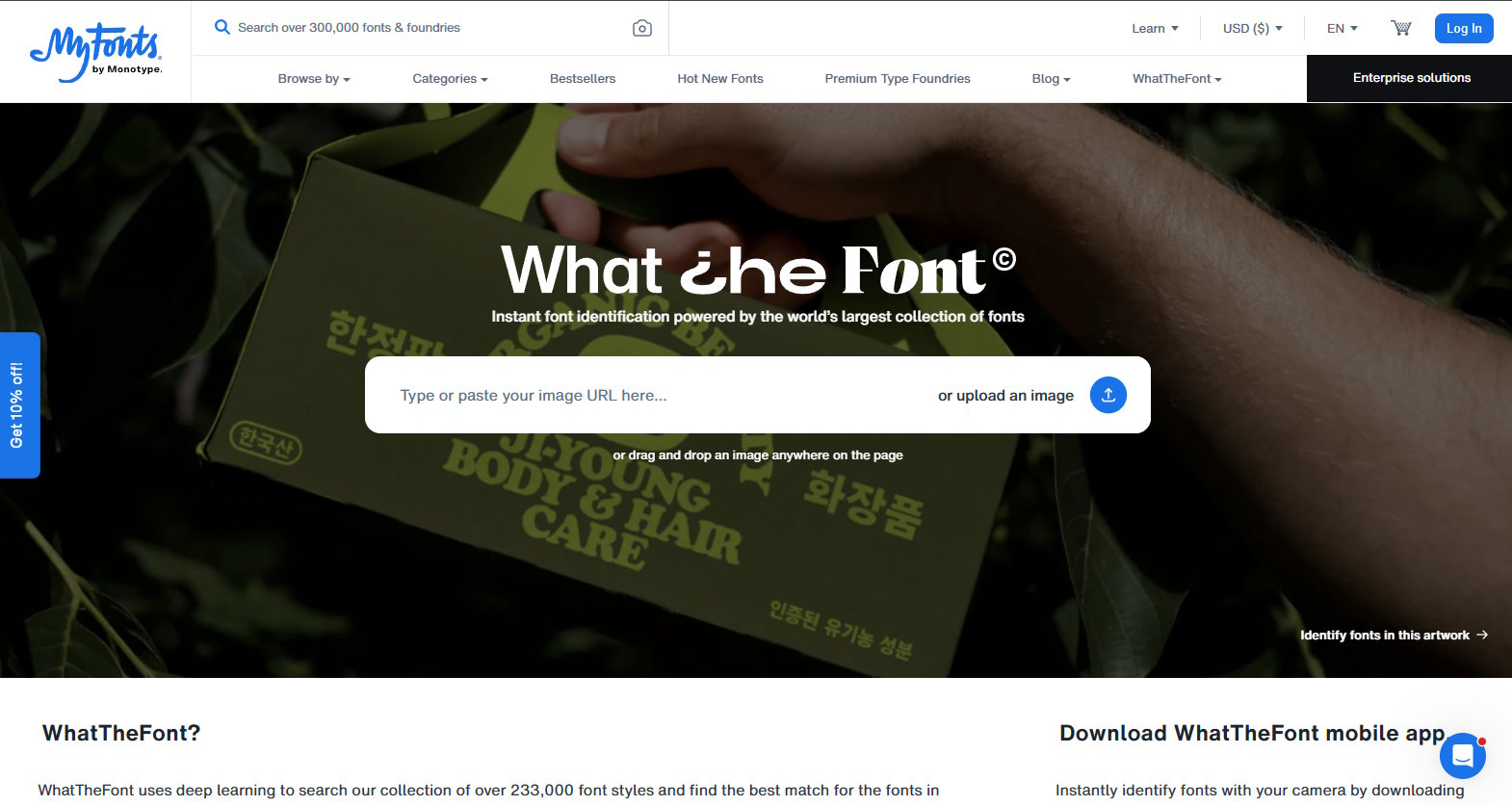
WhatTheFont from MyFonts is the definitive tool for font identification from images. Upload any image containing text — a logo, a poster, a packaging scan, a screenshot — and the AI engine matches the letterforms against its database of 900,000+ fonts, returning the closest matches with purchase links. Accuracy exceeds 99% for clean samples with clear letterforms.
For ambiguous cases — worn signage, low-resolution samples, hand-lettered hybrids — the WhatTheFont forum community steps in, with expert typographers offering identification assistance within hours. The mobile app extends identification to physical environments: photograph any signage or printed material and identify the font on the spot. For designers, brand managers, and typographers needing to identify fonts quickly, WhatTheFont is the first and usually last tool needed.
Positive
- ✅ 99%+ identification accuracy for clean image samples
- ✅ 900,000+ font database — widest coverage available
- ✅ Forum community for difficult edge-case identifications
- ✅ Mobile app for on-the-go physical font identification
- ✅ Direct purchase links from MyFonts library
- ✅ Visual font browsing by style and category
Negatives
- ✗ Requires clear, high-contrast image for best accuracy
- ✗ MyFonts purchase links mean some fonts aren't free
- ✗ Q&A fallback less elegant than pure image AI
Google Fonts
#2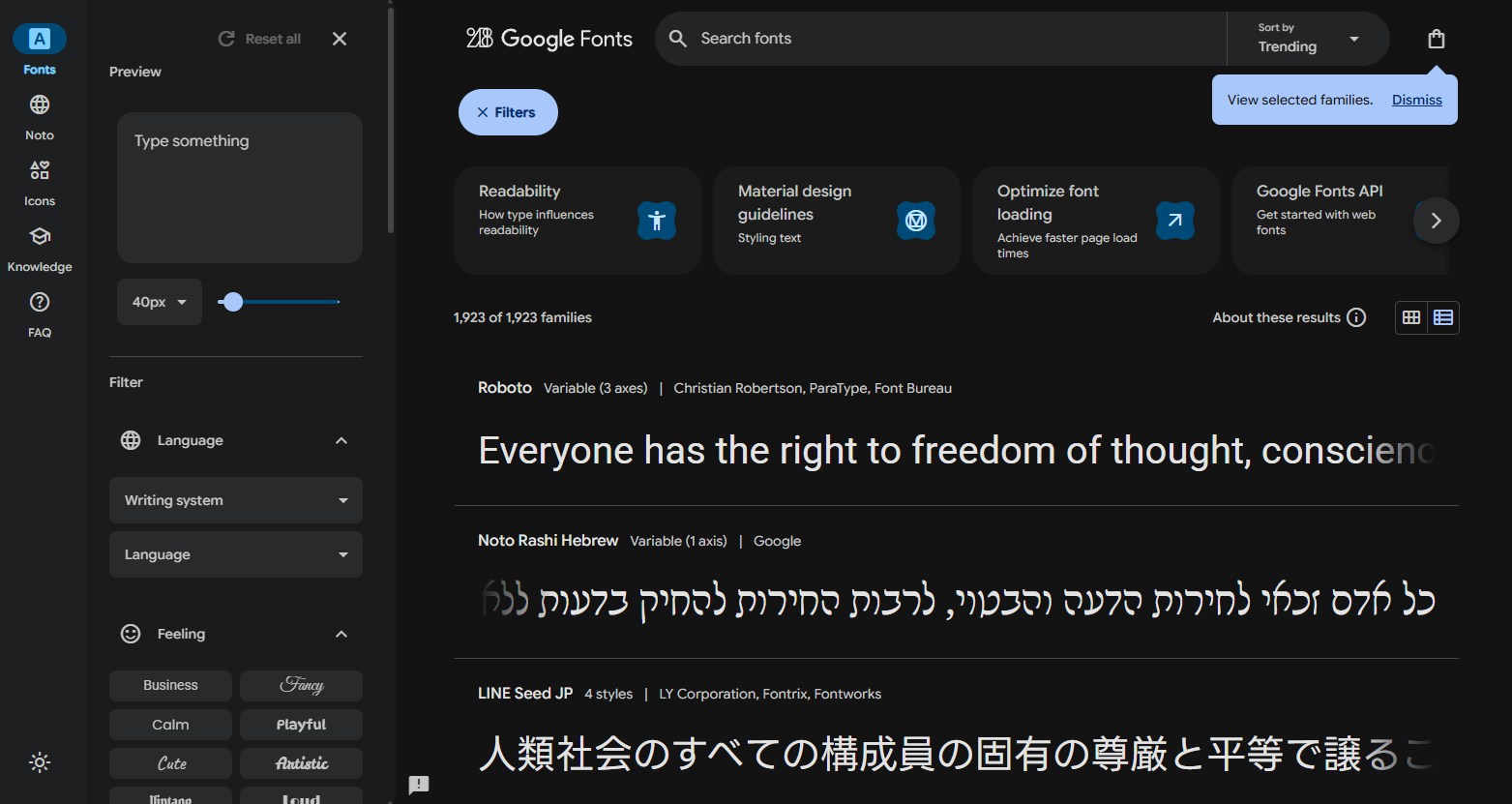
Google Fonts is the world’s largest free, open-source font library and the easiest way to use web fonts in any project. With 1,400+ font families — all available under open licenses — it eliminates licensing complexity for web designers and developers. CSS integration takes two lines of code. The CDN delivery ensures fonts load fast from Google’s servers worldwide.
The filter system covers categories (serif, sans-serif, display, handwriting, monospace), language support, and number of styles. Variable font support is strong and growing. The type specimen tools let you test any font at different sizes with your own text before committing. For web projects, educational materials, and any use case where free commercial licensing is required, Google Fonts is the indispensable first stop.
Positive
- ✅ 1,400+ font families — all free for any use
- ✅ Google CDN for fast web font delivery
- ✅ Two-line CSS integration for web developers
- ✅ Variable font support
- ✅ Type specimen testing with custom text
- ✅ Strong language and script coverage
Negatives
- ✗ No font identification — discovery only
- ✗ Fewer premium display fonts compared to paid libraries
- ✗ Some fonts feel overused due to their widespread free availability
Fontspring Matcherator
#3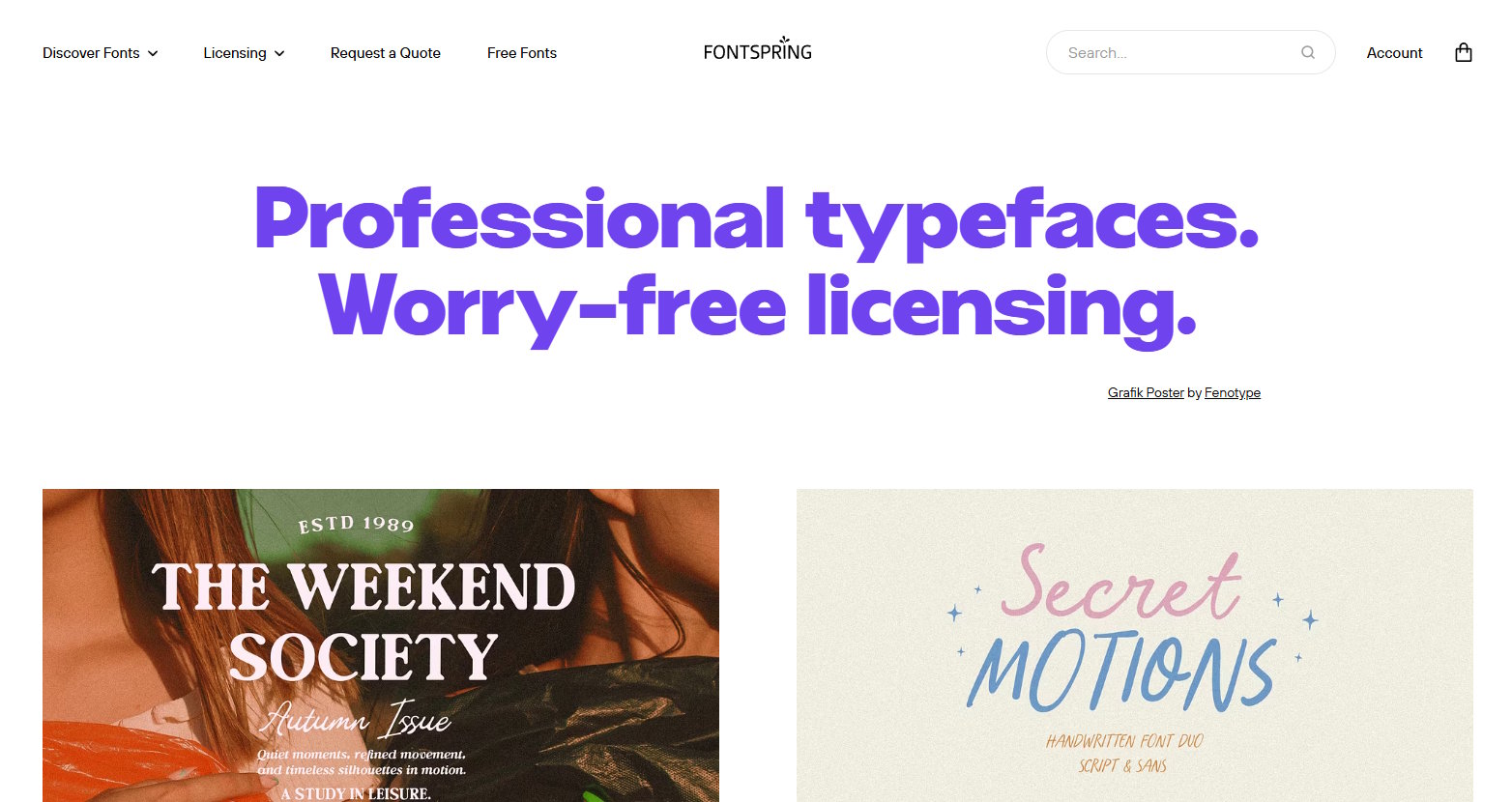
Fontspring Matcherator applies font identification specifically to Fontspring’s curated library of high-quality display and body fonts. Upload an image with text and it returns visually similar fonts from Fontspring’s catalog, with detailed character comparison views that let you assess match quality letter by letter. Being connected to Fontspring’s library means all identified fonts come with clear commercial licensing — no ambiguity about usage rights.
For designers working on client projects who need commercially licensed fonts, the Matcherator streamlines the entire workflow from identification to licensed acquisition. The detailed character comparison is particularly useful for display fonts with distinctive letterforms. While the database is smaller than WhatTheFont’s, the quality of matched fonts and licensing clarity are significant advantages.
Positive
- ✅ Detailed character comparison view for precise matching
- ✅ All fonts come with clear commercial licensing
- ✅ Fontspring library — high quality curated fonts
- ✅ Specialized in display and decorative font identification
- ✅ Works well with print and logo samples
- ✅ Free to use
Negatives
- ✗ Smaller database than WhatTheFont
- ✗ Results limited to Fontspring's catalog only
- ✗ Less useful for identifying fonts not in Fontspring library
Font Squirrel
#4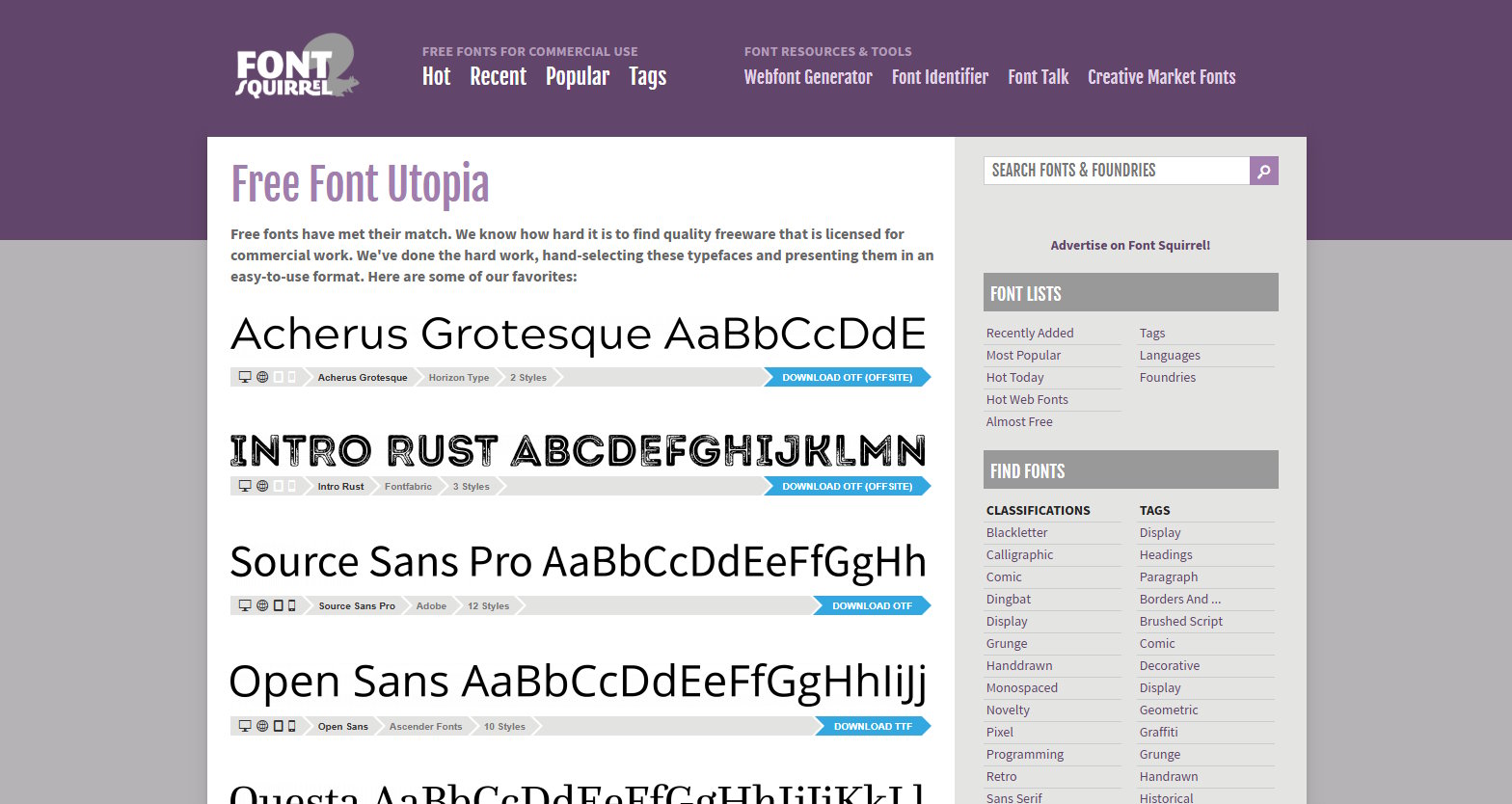
Font Squirrel curates a smaller but higher-standards-screened selection of fonts verified to be free for commercial use. While Google Fonts has more fonts, Font Squirrel’s editorial vetting means every font in its library has been checked for commercial licensing — an important distinction for designers who need certainty about usage rights. The Webfont Kit generator creates ready-to-use font packages with the right formats for browser compatibility.
The built-in Matcherator (separate from Fontspring’s) offers basic font identification. For designers working on commercial projects who don’t want to research licensing fine print, Font Squirrel’s clear commercial-use guarantee is the key differentiator. The library quality is consistently high even if the selection is narrower.
Positive
- ✅ Every font guaranteed free for commercial use
- ✅ Editorial curation — higher average quality than free directories
- ✅ Webfont Kit generator for implementation
- ✅ Detailed licensing notes for every font
- ✅ Font identification (Matcherator) built in
- ✅ 1,000+ commercially cleared fonts
Negatives
- ✗ Smaller library than Google Fonts
- ✗ Less frequent updates than Google's library
- ✗ UI feels dated compared to Google Fonts
Identifont
#5Identifont rounds out our top 5.
Positive
- ✅ Q&A based font identification without uploading images
- ✅ Answer questions to narrow down any font
- ✅ 17,000+ fonts in the database
Negatives
- ✗ Limited advanced features
Our Testing Methodology
We tested each platform with 30 font tasks: image-based identification (15 samples from logos, posters, and packaging), free font discovery by category (10 searches), and licensing research (5 use cases). Scored on identification accuracy (35%), free font quality (25%), web integration tools (20%), licensing clarity (10%), and UX (10%).