Google Books leads our ranking with a score of 9/10.
- ✓ 40M+ books with preview and full-text search
- ✓ Search inside books — find specific pages and passages
- ✓ Ngram Viewer for word frequency across history
- ✓ Library and ebook availability integration
- ✓ Author and publisher information pages
- ✓ Free public domain books in full

- ✓ 25M+ freely accessible books from Internet Archive
- ✓ Controlled Digital Lending for library-like borrowing
- ✓ Millions of public domain books in full text
- ✓ Largest collection of scanned historical texts
- ✓ Reading lists and collection organization
- ✓ Free — no subscription required

- ✓ Compares prices across 100+ new, used, and rare booksellers
- ✓ Find the cheapest copy of any book worldwide
- ✓ Out-of-print and rare book search
- ✓ ISBN, title, and author search
- ✓ International bookseller coverage
- ✓ No fees — links directly to seller
- ✓ Searches 10,000+ library catalogs globally
- ✓ Find books available to borrow near you
- ✓ Interlibrary loan requests in one step
- ✓ Rare and special collections discovery
- ✓ Multi-language catalog search
- ✓ OCLC-maintained with highest library data authority
- ✓ Access to 3M+ books including controversial titles
- ✓ Free PDF and EPUB downloads
- ✓ Mirror sites ensure reliable access
- ✓ Largest shadow library on the internet
- ✓ Scientific papers and textbooks included
- ✓ No account required
In-Depth Reviews
Google Books
#1 Pick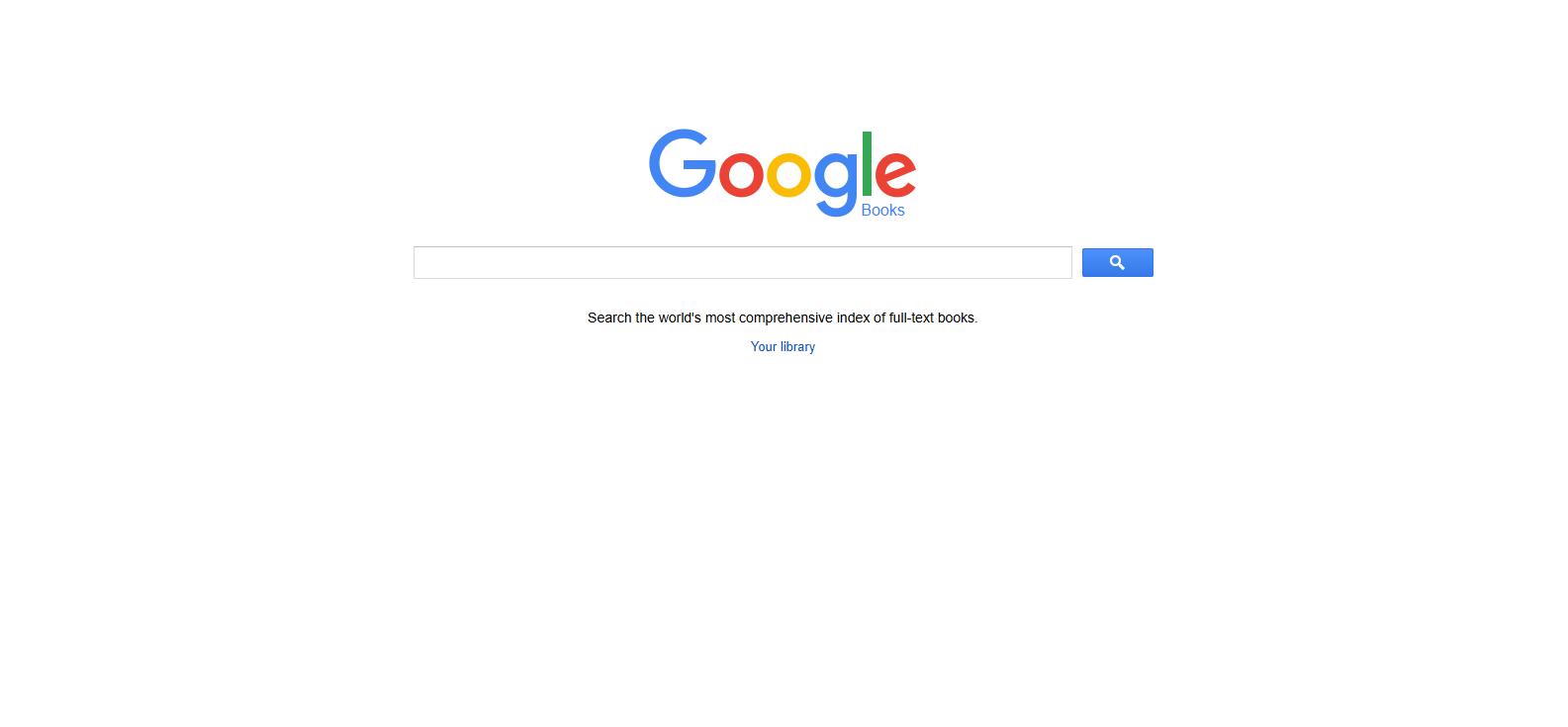
Google Books indexes 40M+ titles and enables something no physical library can: searching the full text of millions of books simultaneously to find specific passages, phrases, or arguments buried in pages you’d never read otherwise. For researchers, the value is immeasurable — type a specific phrase and find every book that contains it, with the page number and surrounding context displayed immediately.
The Ngram Viewer lets you track the frequency of any word or phrase across millions of books over time, making it a remarkable tool for cultural and linguistic research. Public domain books are available in full for free. Library integration shows where you can borrow a title locally. For academic research and serious reading discovery, Google Books’ full-text search engine is an asset without equivalent.
Positive
- ✅ 40M+ titles with full-text search inside books
- ✅ Find specific passages and quotes across all indexed books
- ✅ Ngram Viewer for linguistic and cultural analysis
- ✅ Public domain books available in full for free
- ✅ Library availability integration for borrowing
- ✅ Author and publisher information pages
Negatives
- ✗ Many books limited to snippet or preview views only
- ✗ Copyright restrictions limit full access
- ✗ Not a bookstore — primarily a discovery tool
Open Library
#2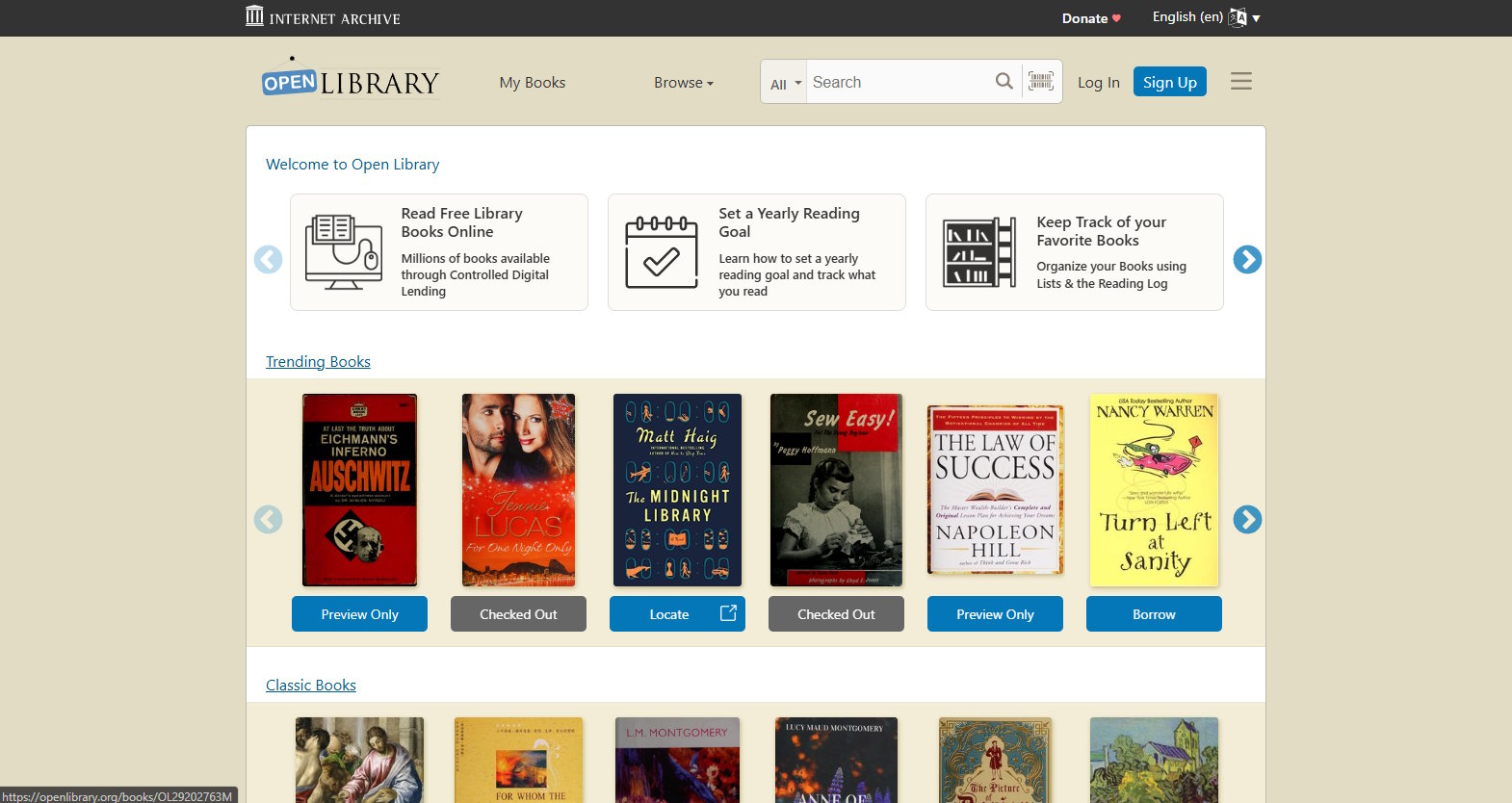
Open Library is the Internet Archive’s ambitious vision: a web page for every book ever published, with free digital lending where legally possible. With 25M+ catalog entries and millions of digitized books available through Controlled Digital Lending (like a library — borrow one copy, one reader at a time), it provides access to out-of-print titles that aren’t available anywhere else legally for free.
The historical text collection is unmatched: scanned and OCR-processed books from the 1800s and early 1900s that would otherwise be inaccessible without a visit to a physical archive. Reading lists and collection features let users organize and share curated lists. For researchers, students without institutional access, and readers in underserved regions, Open Library represents meaningful access to knowledge that money shouldn’t need to gate.
Positive
- ✅ 25M+ catalog entries — massive free book access
- ✅ Controlled Digital Lending for out-of-print titles
- ✅ Largest collection of scanned historical texts
- ✅ Completely free — no subscription required
- ✅ Reading lists and collection organization
- ✅ Internet Archive's reliable infrastructure
Negatives
- ✗ Borrowing availability limited (one digital copy at a time)
- ✗ Recent bestsellers rarely available for free borrowing
- ✗ Scan quality varies for older digitized books
BookFinder
#3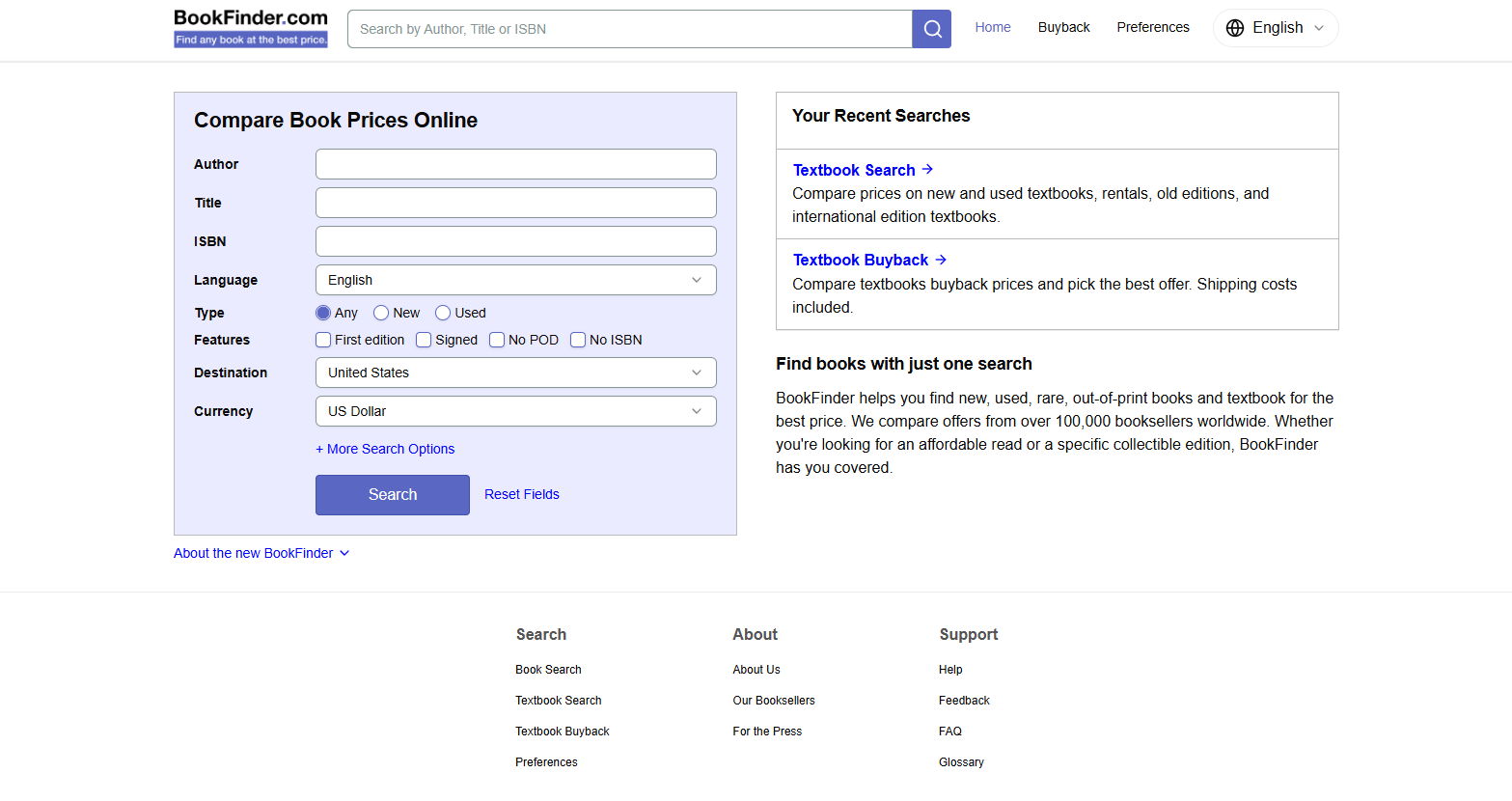
BookFinder solves the specific problem of finding and pricing a book across every major marketplace simultaneously. Enter any ISBN, title, or author and BookFinder returns real-time prices from 100+ booksellers worldwide — new, used, rare, and out-of-print. For book collectors hunting specific editions or readers who want to pay as little as possible, this price aggregation is the most time-efficient approach available.
International coverage includes European and Asian booksellers that Amazon doesn’t surface. Out-of-print book search is particularly strong — finding a specific 1970s paperback edition is a task BookFinder handles better than any other tool. There are no fees or commissions; all links go directly to the selling platform.
Positive
- ✅ Compares prices from 100+ booksellers worldwide
- ✅ Best tool for finding out-of-print and rare editions
- ✅ New, used, rare, and collectible in one search
- ✅ International bookseller coverage beyond Amazon
- ✅ No fees — links directly to seller
- ✅ ISBN, title, and author search
Negatives
- ✗ No free book access — purchase links only
- ✗ Interface hasn't significantly updated in years
- ✗ Less useful for discovering new releases
WorldCat
#4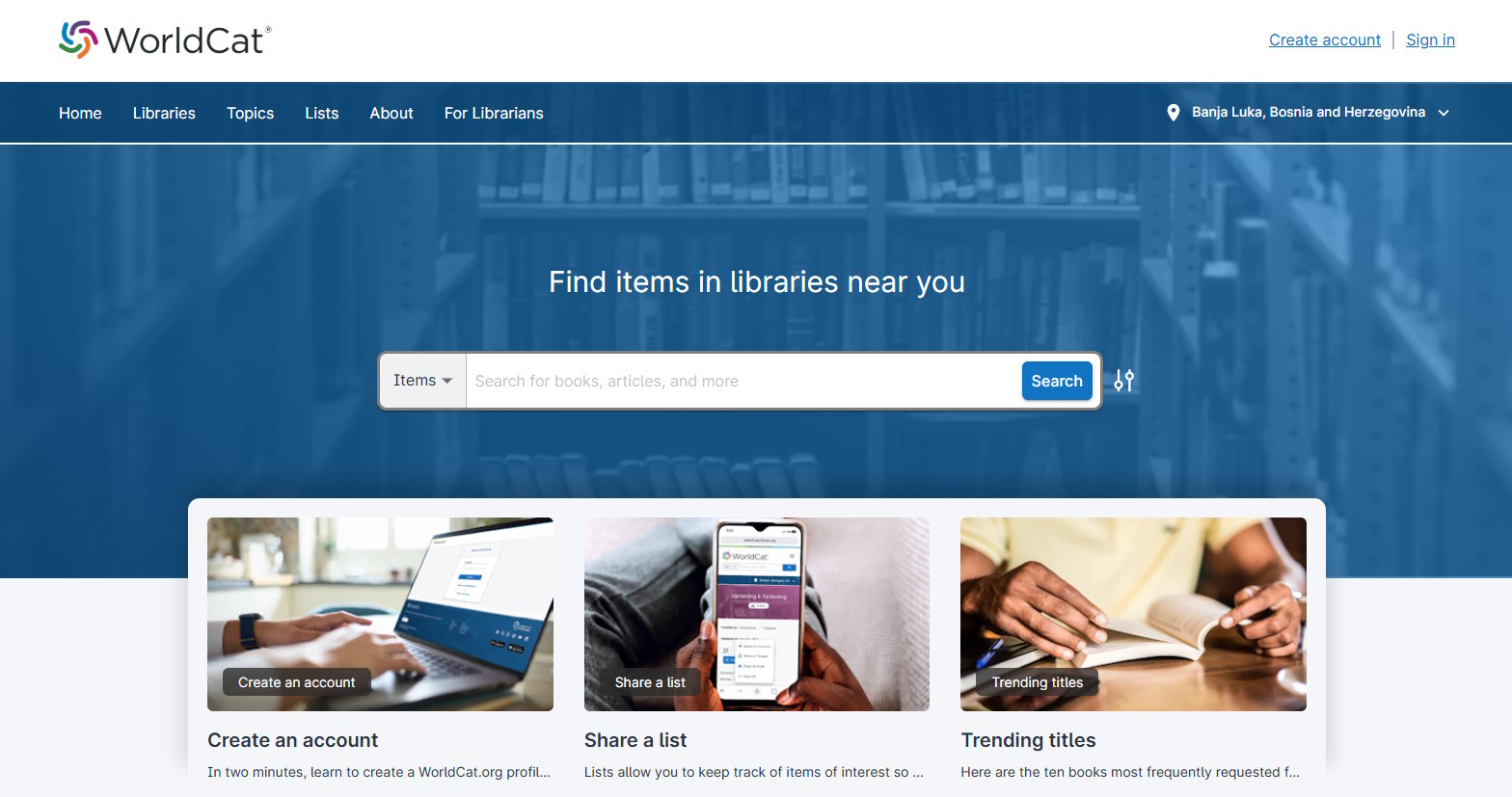
WorldCat rounds out our top 5.
Positive
- ✅ Searches 10,000+ library catalogs globally
- ✅ Find books available to borrow near you
- ✅ Interlibrary loan requests in one step
Negatives
- ✗ Limited advanced features
LibGen
#5LibGen (Library Genesis) is the largest shadow library on the internet, hosting millions of books, scientific papers, and textbooks in PDF and EPUB format for free download. It occupies a legally controversial position — it provides access to copyrighted material without authorization — but has become a critical resource for students and researchers in countries where textbook prices represent months of income.
The library’s scope includes academic papers, fiction, non-fiction, scientific journals, and textbooks from every major publisher. Mirror sites ensure continued availability. For the purpose of this review, we note LibGen as a factual entry in the book search landscape while acknowledging that its legal status varies by jurisdiction and that rights holders have pursued legal action against it.
Positive
- ✅ Largest free book and paper repository — 3M+ titles
- ✅ Scientific papers and academic textbooks well-represented
- ✅ PDF and EPUB formats available for download
- ✅ No account required
- ✅ Multiple mirror sites for reliable access
- ✅ Search by title, author, ISBN, or publisher
Negatives
- ✗ Legally controversial — hosts copyrighted material without authorization
- ✗ Legal status varies by jurisdiction
- ✗ No customer support, organization, or guarantees
Our Testing Methodology
We tested each platform with 30 book search tasks: recent bestseller discovery, out-of-print title finding, full-text passage search, price comparison across sellers, and access to academic texts. Scored on catalog breadth (30%), search depth (25%), free access availability (20%), price comparison tools (15%), and UX (10%).