Emojipedia leads our ranking with a score of 9.2/10.

- ✓ Every emoji documented with meaning, history, and variations
- ✓ Platform rendering comparisons (iOS, Android, Windows)
- ✓ Unicode version and approval date tracking
- ✓ Copy to clipboard in one click
- ✓ Emoji changelog and new emoji announcements
- ✓ Search by keyword, category, or Unicode code

- ✓ Combine any two emojis into new creations
- ✓ AI-generated emoji combinations via Google
- ✓ Thousands of pre-made combinations
- ✓ Download sticker-sized images
- ✓ Perfect for creative messaging
- ✓ Google Gboard keyboard integration

- ✓ Click any emoji to instantly copy it
- ✓ Browse by category without an account
- ✓ Recently used emoji tracking
- ✓ Skin tone variations for people emojis
- ✓ One-page layout — no pagination
- ✓ Mobile-friendly interface

- ✓ Clean browseable emoji library
- ✓ Copy with or without variation selector
- ✓ Categorized browsing
- ✓ Skin tone selector
- ✓ No ads, clean minimal interface
- ✓ Free

- ✓ Japanese-style text emoticons (kaomoji)
- ✓ Thousands of kaomoji by emotion category
- ✓ Copy in one click
- ✓ Custom kaomoji submission
- ✓ Niche community content
- ✓ Unique style alternative to standard emoji
In-Depth Reviews
Emojipedia
#1 Pick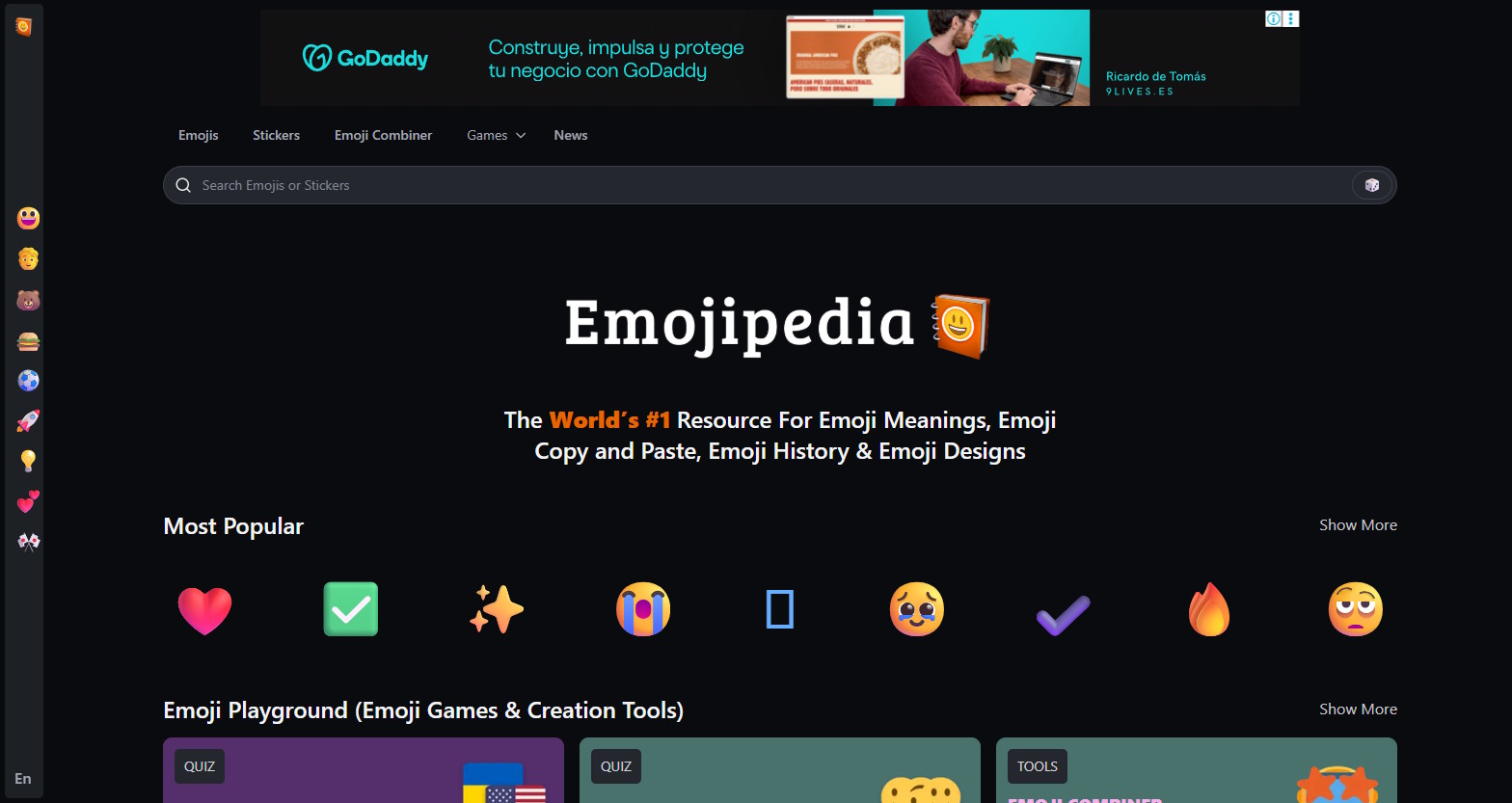
Emojipedia is the definitive reference for emoji meaning, history, and cross-platform rendering. Every emoji has a dedicated page showing how it appears across iOS, Android, Windows, Twitter, Facebook, and other platforms — crucial context, since the same emoji can look meaningfully different depending on where it’s received. The 😬 grimacing face famously appears as a cheerful grin on some platforms and a nervous grimace on others.
The Unicode version tracking and emoji changelog keep users updated on new additions to the standard. History pages document the origin and evolution of emoji meaning over time, which has become a legitimate area of cultural and linguistic research. For anyone who communicates with emoji professionally or wants to use them with precision, Emojipedia is the non-negotiable reference.
Positive
- ✅ Platform rendering comparisons — see emoji on iOS, Android, Windows
- ✅ Complete meaning documentation and cultural context
- ✅ Unicode version and approval history
- ✅ New emoji announcements and changelog
- ✅ Copy to clipboard in one click
- ✅ The definitive emoji reference — cited by linguists and researchers
Negatives
- ✗ More reference tool than quick-copy utility
- ✗ Extensive information can feel like overkill for casual use
- ✗ No emoji combination or creative tools
Emoji Kitchen
#2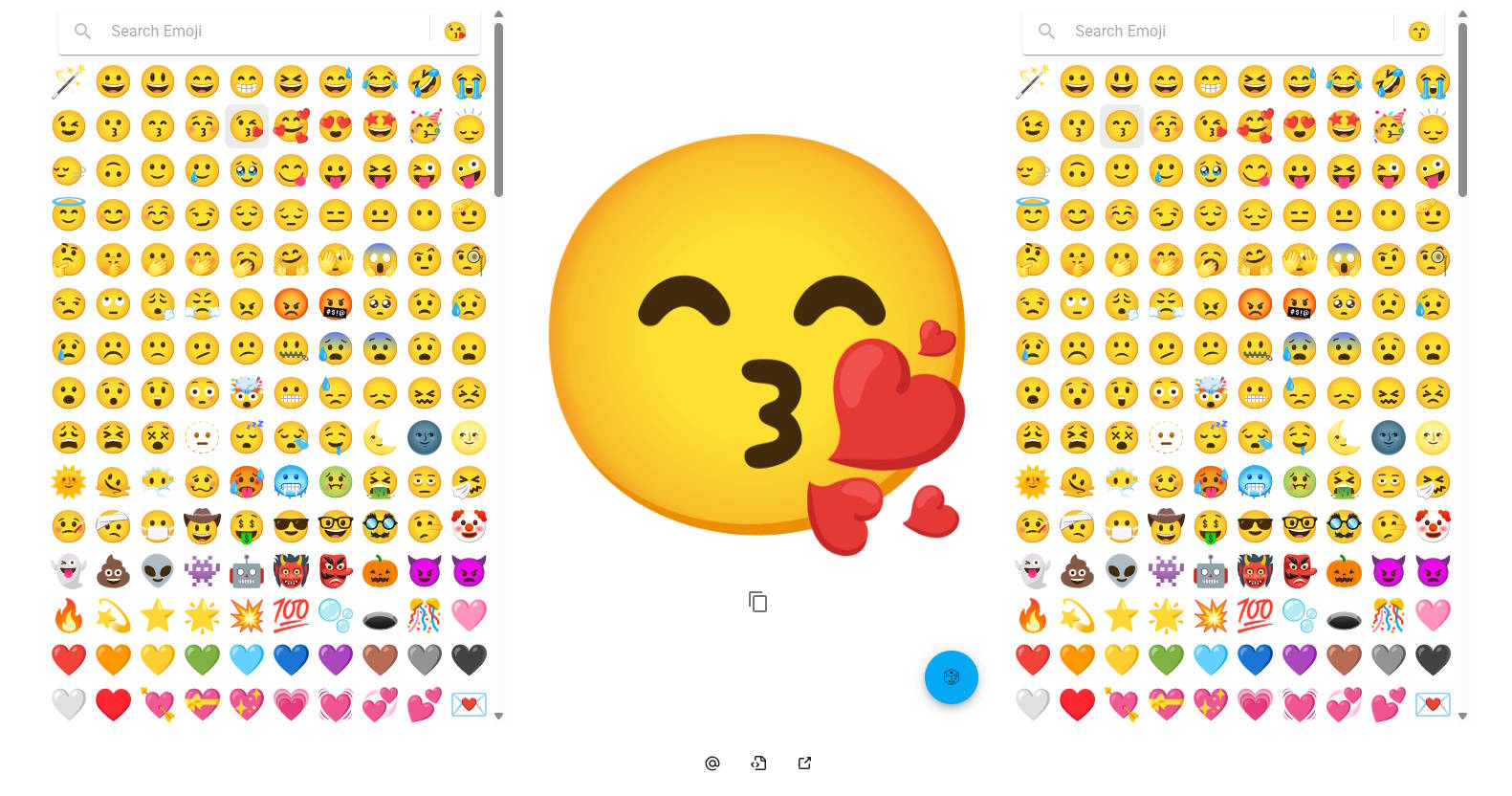
Emoji Kitchen is Google’s creative emoji tool — combine any two standard emoji and it generates a new hybrid image combining visual elements from both. With thousands of pre-made AI-generated combinations and Google Gboard keyboard integration, it’s the most playful emoji tool available. The combinations are surprisingly coherent: 🐶+🌺 generates a dog with flower details; 😂+🔥 creates a laughing-crying fire.
The downloadable sticker-sized images make combinations usable anywhere, not just in Gboard. For messaging apps, creative social media posts, and digital art, Emoji Kitchen’s combinatorial creativity produces images no standard emoji set contains. It’s a tool that creates delight — which is ultimately what emoji are for.
Positive
- ✅ Combine any two emoji into creative hybrid images
- ✅ Thousands of AI-generated pre-made combinations
- ✅ Google Gboard keyboard integration
- ✅ Downloadable sticker-sized images
- ✅ Unique creative tool — no standard alternative
- ✅ Free to use
Negatives
- ✗ Combinations limited to pre-made options — not fully generative
- ✗ Best features require Google Gboard keyboard
- ✗ Not a traditional search tool — discovery only
EmojiCopy
#3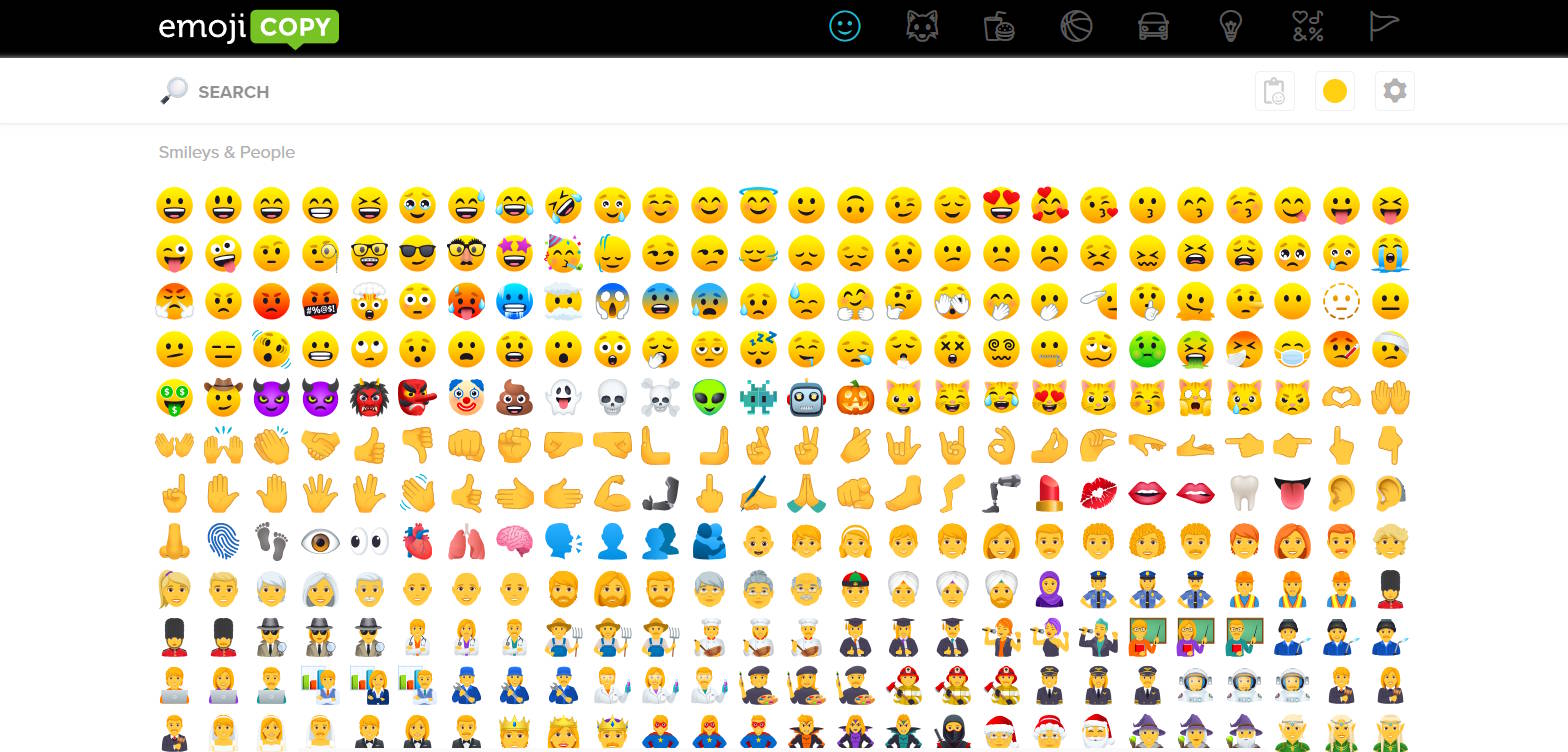
EmojiCopy is the most friction-free way to find and copy any emoji. The entire library is visible on one scrollable page with no pagination, organized by category, with a click-to-copy function that works instantly on desktop and mobile. Recently used emoji appear at the top for repeat access. Skin tone variations for people emojis are selectable inline.
There’s no account requirement and no feature bloat — EmojiCopy does exactly one thing and does it faster than any alternative. For users who just need to find and copy an emoji quickly without reading documentation, EmojiCopy’s single-page minimal design is the most efficient path from intent to clipboard.
Positive
- ✅ One-page layout — entire library without pagination
- ✅ Instant click-to-copy — no steps or confirmation
- ✅ Recently used emoji tracking
- ✅ Skin tone variations inline
- ✅ Mobile-friendly interface
- ✅ No account required
Negatives
- ✗ No documentation or cultural context
- ✗ No platform rendering comparison
- ✗ Limited search functionality
GetEmoji
#4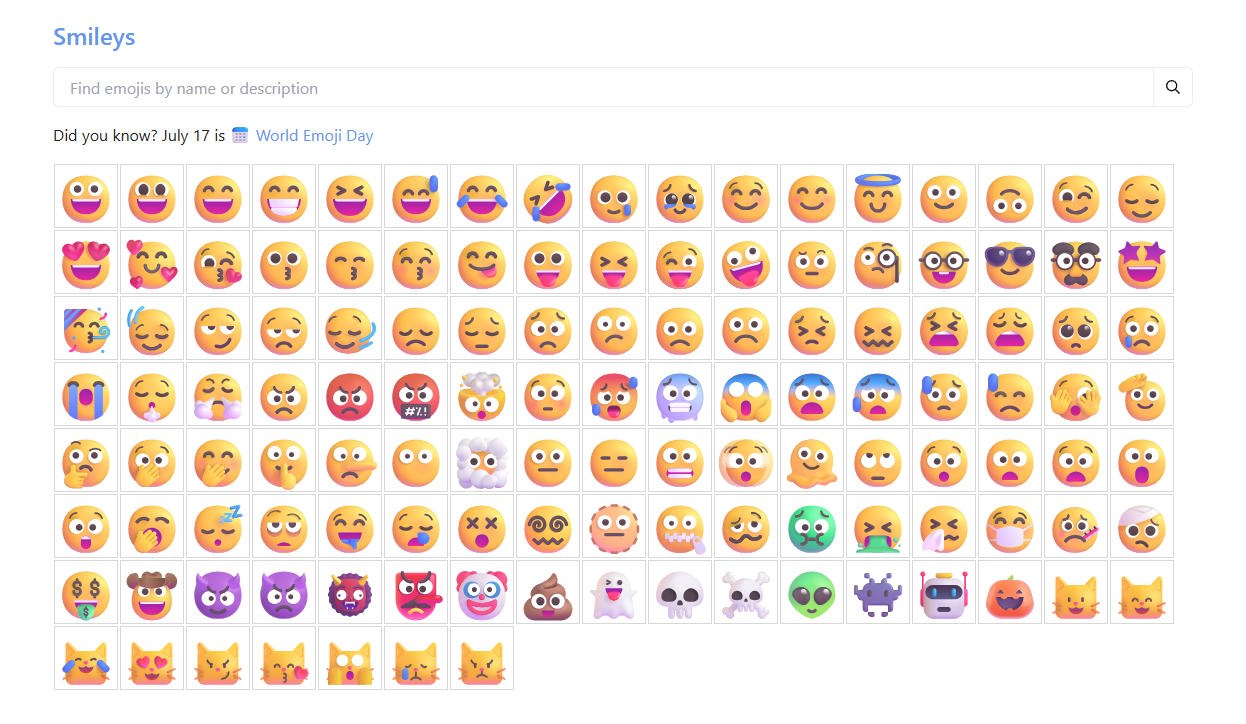
GetEmoji is a clean, practical emoji browser that covers the essential use case without distraction. The categorized emoji library is browseable without an account, skin tones are selectable, and copies are placed in clipboard without variation selectors that can cause display issues in older apps. The interface is minimal and loads fast even on slow connections.
For users who just want a reliable copy-paste emoji source without any of the research depth of Emojipedia or the creative features of Emoji Kitchen, GetEmoji delivers the core utility cleanly. It doesn’t try to be anything it isn’t.
Positive
- ✅ Clean, minimal interface — no clutter
- ✅ Copy without variation selector option
- ✅ Skin tone selector built in
- ✅ Fast loading on all connections
- ✅ Categorized browsing
- ✅ Completely free
Negatives
- ✗ No search functionality — browsing only
- ✗ No documentation or context
- ✗ Fewer features than specialized alternatives
Kaomoji Search
#5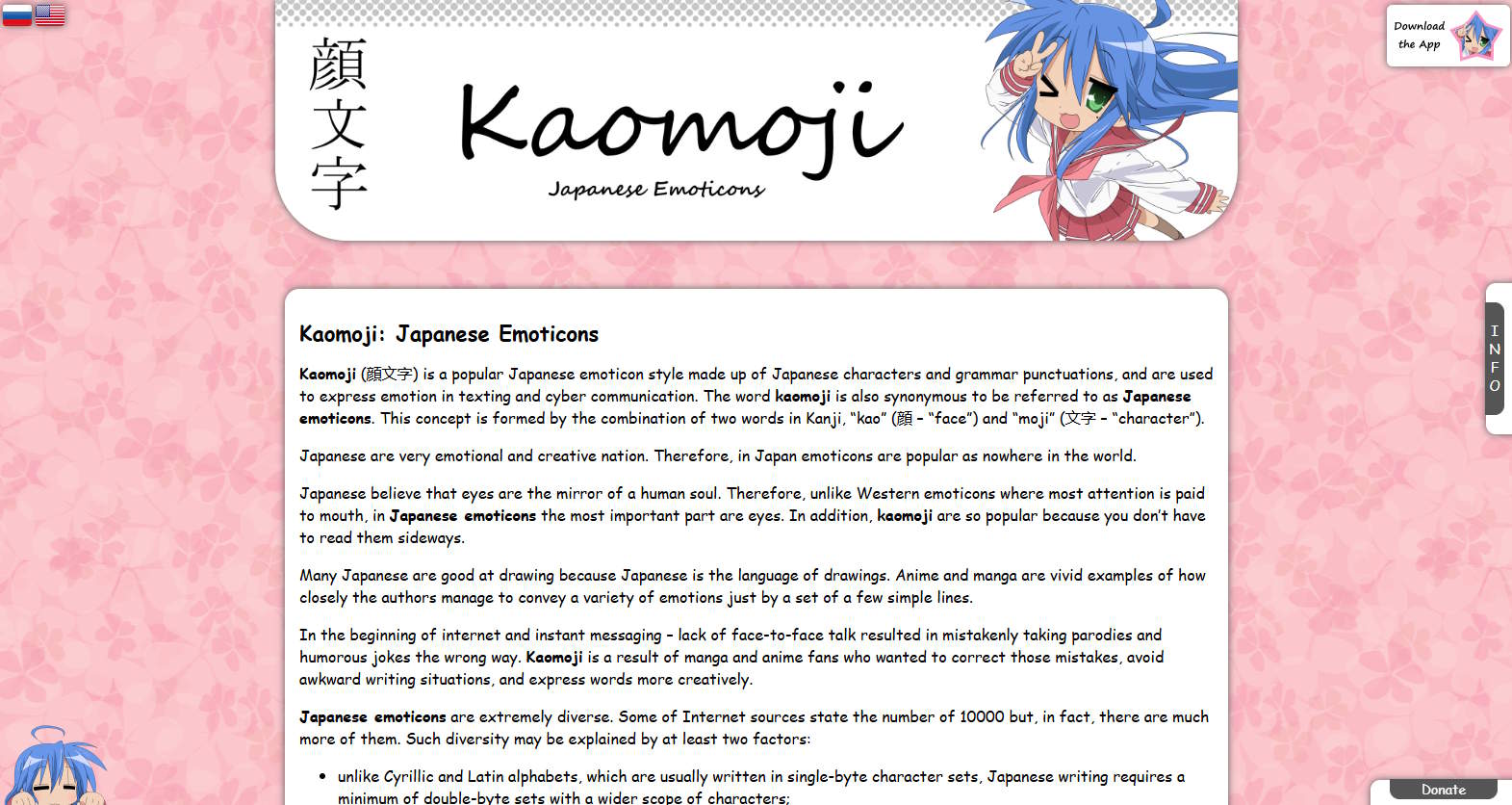
Kaomoji Search rounds out our top 5.
Positive
- ✅ Japanese-style text emoticons (kaomoji)
- ✅ Thousands of kaomoji by emotion category
- ✅ Copy in one click
Negatives
- ✗ Limited advanced features
Our Testing Methodology
We tested each tool across 20 emoji tasks: finding a specific emoji by description, copying with correct format, checking platform rendering, creating combinations, and discovering kaomoji. Scored on search speed (25%), copy ease (25%), platform info depth (20%), creative features (15%), and UX (15%).