Perplexity AI leads our ranking with a score of 9.5/10.

- ✓ Conversational AI answers with cited sources
- ✓ Real-time web access for up-to-date results
- ✓ Pro Search for multi-step deep research
- ✓ Image, file, and document analysis
- ✓ Collections for organizing research threads
- ✓ API access for developers

- ✓ Deep Search: multi-step AI research reports
- ✓ Integration with Google's full knowledge graph
- ✓ Multimodal: text, images, video understanding
- ✓ Real-time data via Google Search grounding
- ✓ Available in 40+ languages
- ✓ 1M+ token context window for deep analysis
- ✓ GPT-4o powered with sourced web answers
- ✓ Image generation (DALL-E 3) built in
- ✓ Deep Search multi-step research mode
- ✓ Microsoft 365 integration for enterprise
- ✓ Voice mode for hands-free queries
- ✓ Tight Windows 11 and Edge integration
- ✓ Ad-free, subscription-based — no ads ever
- ✓ AI Lenses: customize search with your own ranking rules
- ✓ Summarizer with cited sources
- ✓ Fastest-results engine in our speed tests
- ✓ Personalizable result quality boosts
- ✓ Universal Summarizer for any URL

- ✓ Multiple AI models in one interface (GPT-4o, Claude, Gemini)
- ✓ AI-powered code search and write mode
- ✓ Smart Answers with web + AI combined
- ✓ Apps mode for specialized AI tools
- ✓ Privacy mode with no tracking
- ✓ Research mode for academic queries
In-Depth Reviews
Perplexity AI
#1 Pick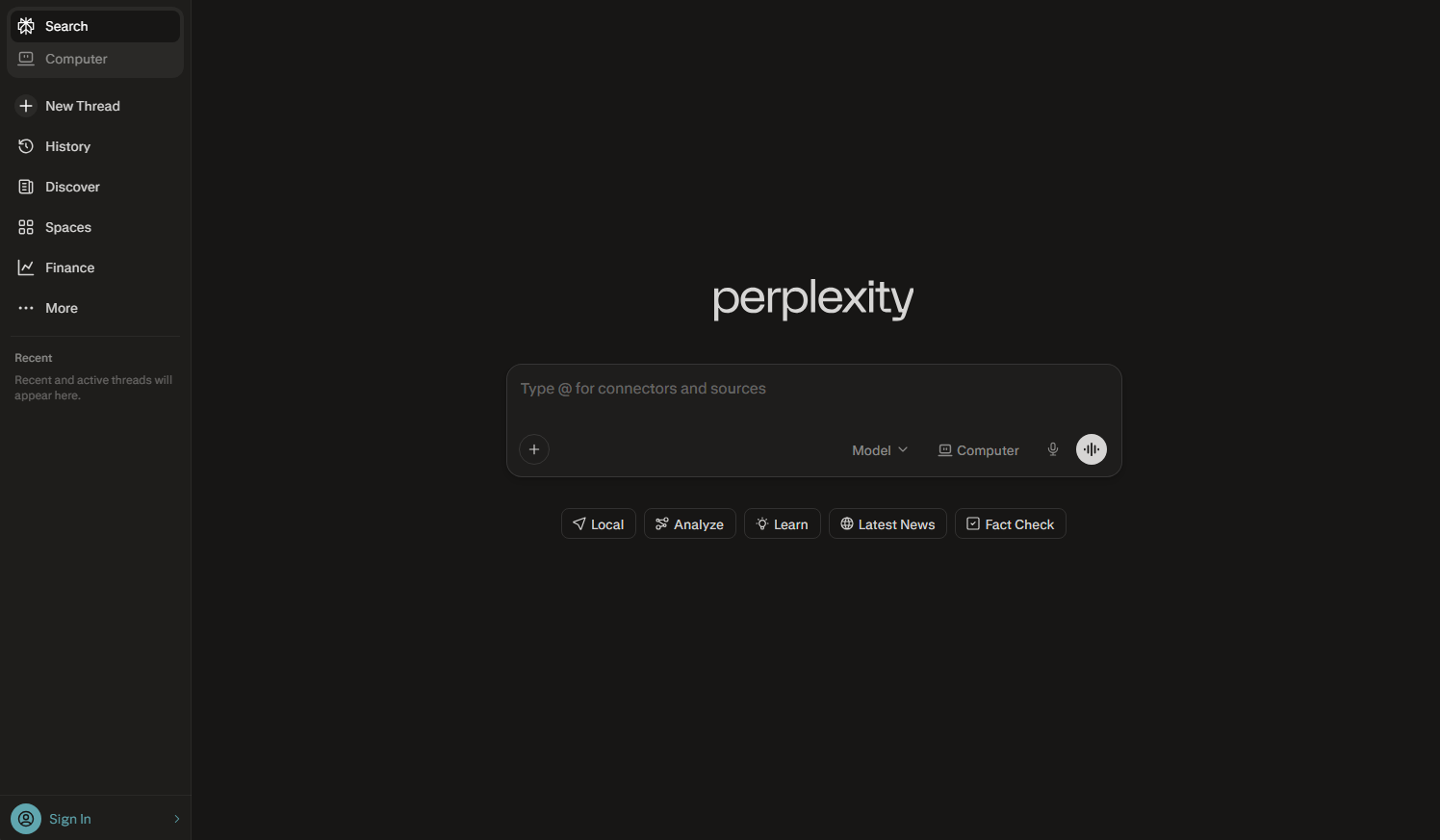
Perplexity AI is the closest thing to a research assistant that actually works. Ask any question and it doesn’t just return links — it synthesizes an answer from multiple real-time web sources, cites every claim, and lets you follow threads deeper through focused follow-up questions. It has redefined what search can be for knowledge workers, students, and researchers.
Pro Search kicks this up a notch: it runs multi-step research automatically, cross-references sources, and compiles structured reports for complex queries. The Collections feature lets you save and organize research by topic. In our testing, Perplexity consistently outperformed every competitor on accuracy of AI-generated answers and citation quality — the two metrics that matter most in AI search.
Positive
- ✅ Best-in-class AI answers with real citations — not hallucinations
- ✅ Real-time web access keeps answers current
- ✅ Pro Search handles complex multi-step research automatically
- ✅ Collections organize your research threads
- ✅ Multimodal: analyze images and documents
- ✅ Clean, focused interface built for serious research
Negatives
- ✗ Free tier has query limits — Pro plan required for heavy use
- ✗ Occasionally over-confident on contested facts
- ✗ Less useful for simple navigational queries
Google Gemini
#2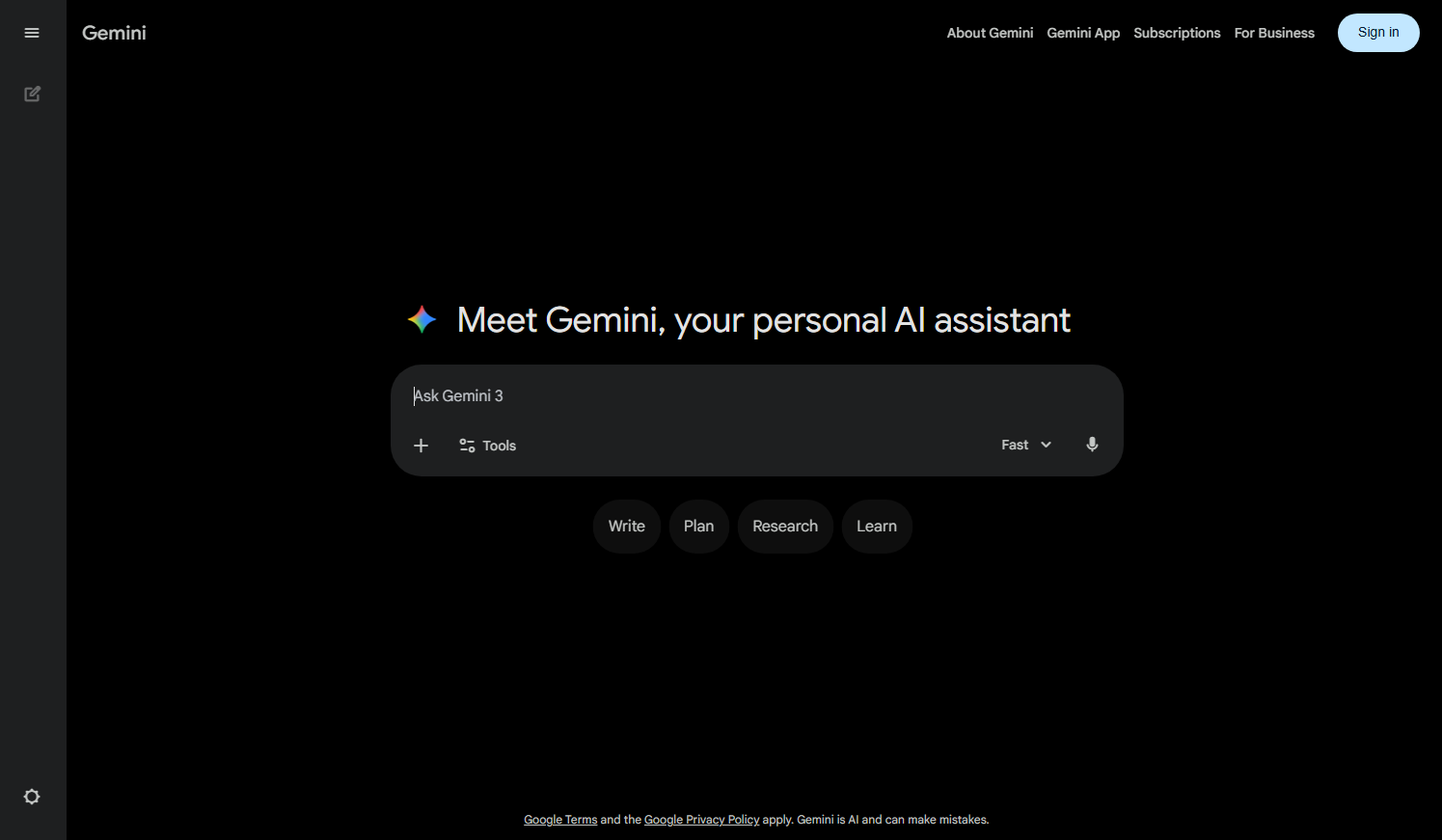
Google Gemini brings the world’s most powerful AI model to search. Deep Search mode — launched in 2025 — runs an autonomous multi-step research process, generating a comprehensive report grounded in real-time Google Search data. It’s the first AI search product that can genuinely compete with a skilled researcher for structured topic exploration.
The integration advantage is significant. Gemini understands Gmail, Drive, Docs, and Maps in context, meaning queries like ‘summarize my emails about the Johnson project and find relevant research’ are genuinely answerable. Multimodal capabilities let you describe an image and get search-grounded answers. The weakness is occasional verbosity and a tendency to hedge where a direct answer would serve better.
Positive
- ✅ Deep Search produces multi-step research reports grounded in real data
- ✅ Tightly integrated with Google's full knowledge graph
- ✅ Multimodal — analyze images, audio, and documents
- ✅ 1M+ token context window for very long documents
- ✅ Real-time grounding via Google Search
- ✅ Available in 40+ languages
Negatives
- ✗ Responses can be overly verbose and hedged
- ✗ Heavy Google account integration raises privacy concerns
- ✗ Gemini Advanced requires paid Google One subscription
Bing Copilot
#3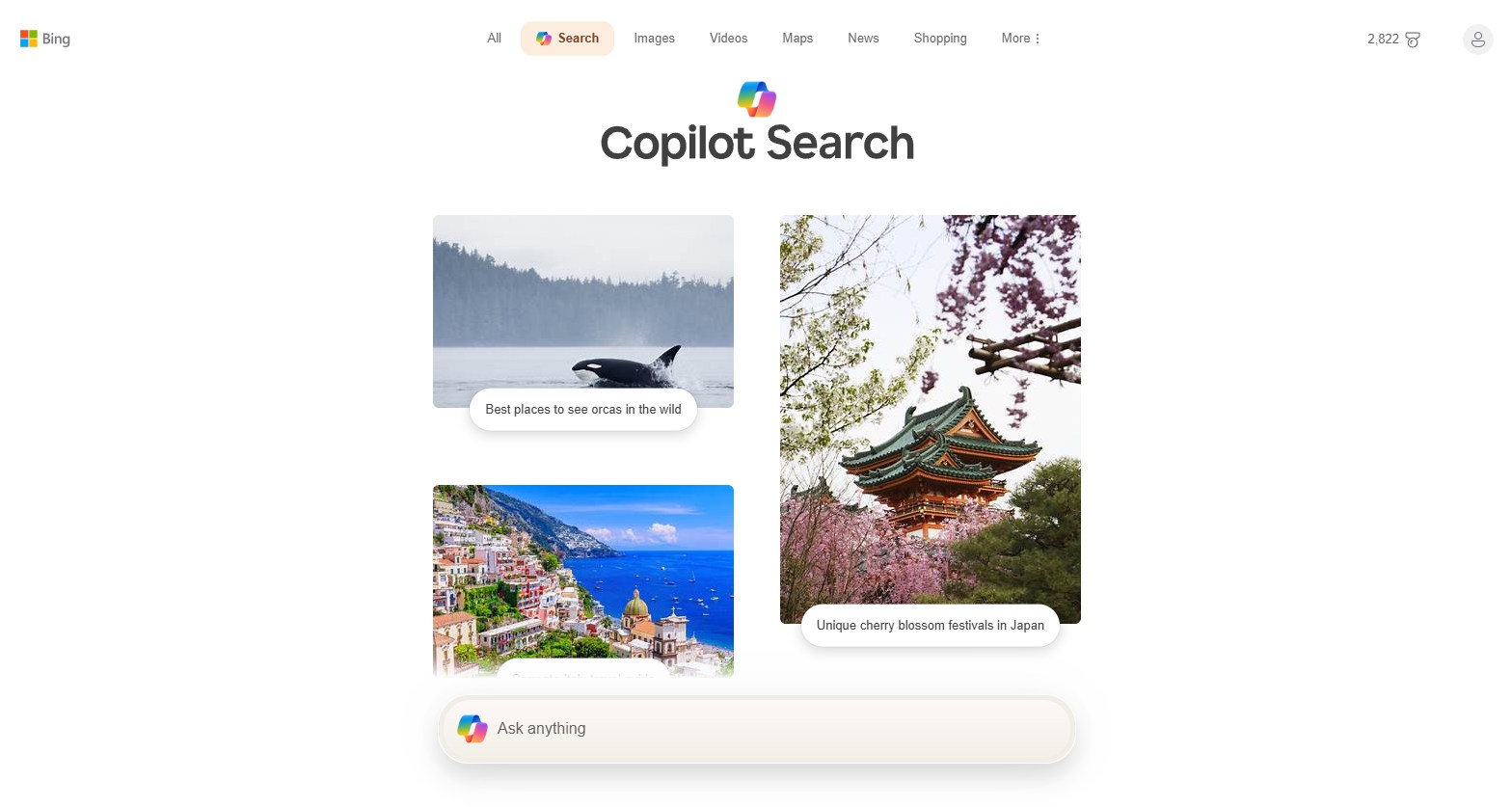
Bing Copilot (powered by GPT-4o) seamlessly blends traditional search with conversational AI in a way that still feels more natural than most competitors. Ask it to compare laptop models, draft an email, or explain a concept — it delivers all three with cited sources and optional follow-up prompts. For Microsoft users, the integration dividend is enormous: Copilot is baked into Windows, Edge, Teams, and Microsoft 365.
The Deep Search feature runs iterative research loops, reformulating queries to dig deeper before presenting a synthesized answer. Image generation via DALL-E 3 is built right in. The biggest weakness is occasional over-hedging in responses — Copilot sometimes adds so many caveats it dilutes the answer. But for the majority of research and productivity tasks, it remains the most versatile AI search product tied to an existing ecosystem.
Positive
- ✅ GPT-4o delivers accurate, cited conversational answers
- ✅ Deep Search mode for multi-step research
- ✅ DALL-E 3 image generation built directly in
- ✅ Seamless integration across Windows, Edge, and Microsoft 365
- ✅ Voice mode for hands-free interaction
- ✅ Free to use with generous daily limits
Negatives
- ✗ Responses can over-hedge and add unnecessary caveats
- ✗ Weaker than Perplexity on pure research quality
- ✗ Privacy: Microsoft collects query data by default
Kagi
#4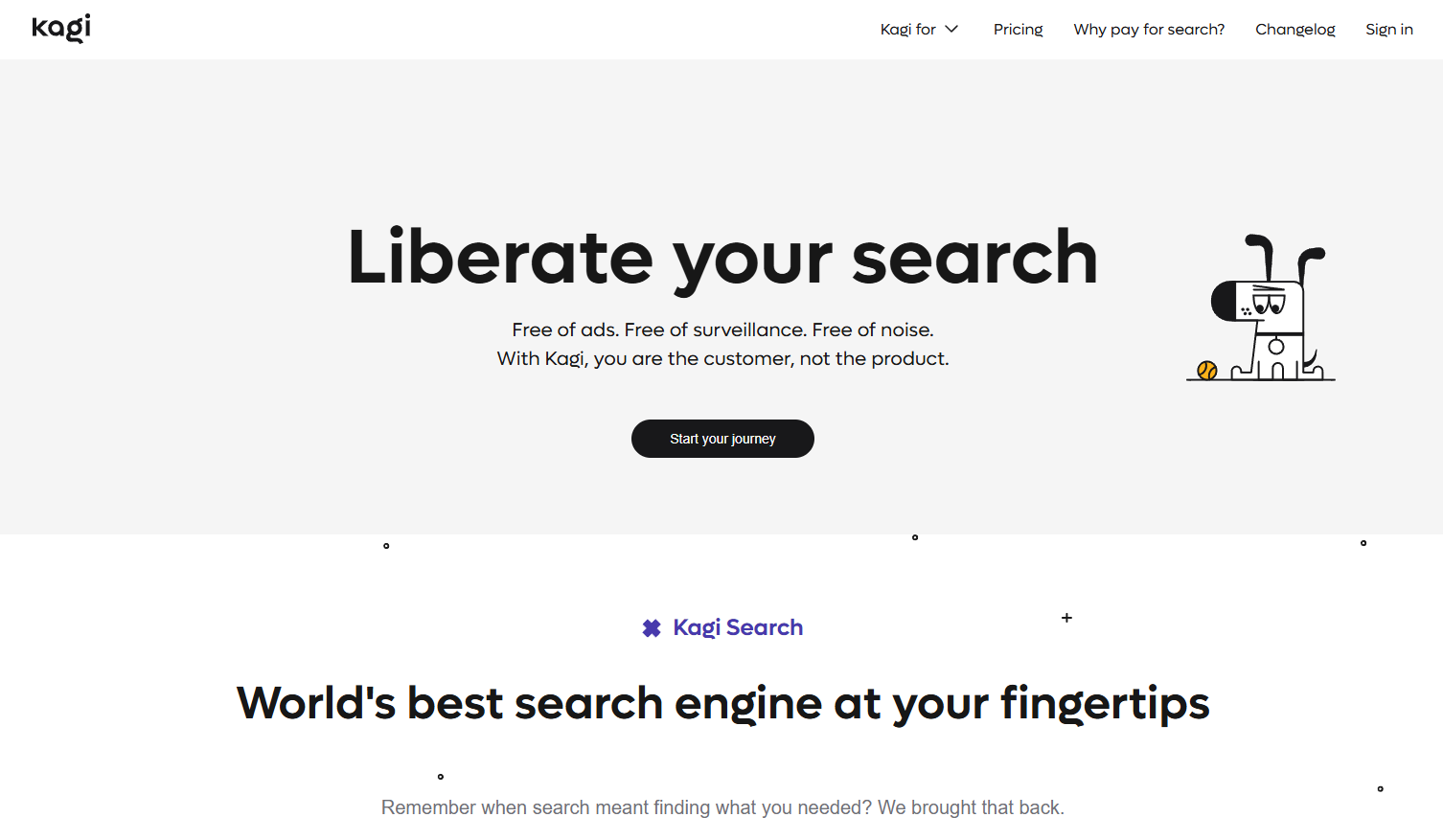
Kagi rounds out our top 5 with solid basic functionality.
Positive
- ✅ Ad-free, subscription-based — no ads ever
- ✅ AI Lenses: customize search with your own ranking rules
- ✅ Summarizer with cited sources
Negatives
- ✗ Limited advanced features
You.com
#5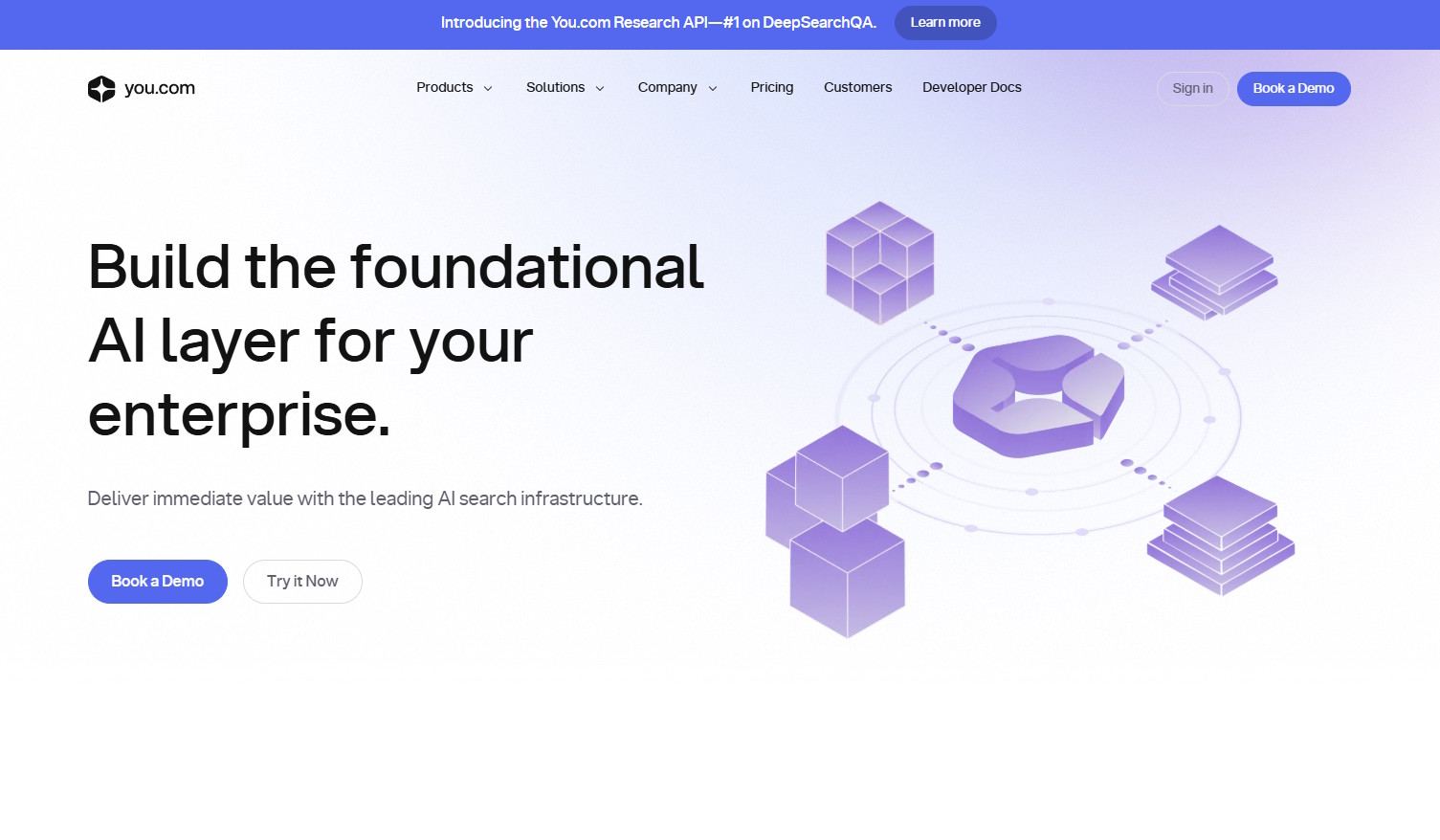
You.com takes a different approach to AI search: instead of one model, you choose from GPT-4o, Claude, Gemini, and others — all in one interface. Smart mode blends AI answers with live web results. The Code mode is a genuine developer tool, executing and debugging code inline. For power users who want to compare AI model outputs or use specialized modes, You.com offers flexibility unmatched by single-model competitors.
The Apps ecosystem is a standout: specialized AI tools for writing, summarizing, coding, and research are accessible from the search bar. The result quality in standard mode trails Perplexity for pure AI research, but the flexibility and multi-model approach make it a compelling choice for technically curious users who refuse to commit to one AI provider.
Positive
- ✅ Multi-model access — GPT-4o, Claude, Gemini in one place
- ✅ Code mode executes and debugs code inline
- ✅ Smart mode blends AI + live web seamlessly
- ✅ Apps mode for specialized AI tasks
- ✅ Privacy mode with no tracking available
- ✅ Free tier is more generous than most competitors
Negatives
- ✗ Result quality in standard mode trails Perplexity
- ✗ Interface can feel overwhelming with too many options
- ✗ Less polished than single-model competitors
Our Testing Methodology
We tested each engine with 100 research queries spanning factual questions, multi-step research tasks, current events, technical problems, and creative requests. Scored on answer accuracy (35%), citation quality (25%), feature depth (20%), UX and speed (15%), and privacy (5%). All AI answers cross-referenced against verified sources. Tested on both free and paid tiers.